Northern Lights Photography: Complete Guide 2026
Photographing the aurora borealis is easier than you think — but getting great aurora photos requires some technique. This guide covers everything from basic camera settings to advanced composition, whether you're shooting with a DSLR, mirrorless, or iPhone.
Camera Settings: Quick Reference
Slow/Faint Aurora (Kp 1–3)
- ISO: 3200–6400
- Aperture: f/1.4–f/2.8 (as wide as your lens allows)
- Shutter speed: 15–25 seconds
- Focus: Manual, infinity
Active Aurora (Kp 4–5)
- ISO: 1600–3200
- Aperture: f/2.8
- Shutter speed: 8–15 seconds
- Focus: Manual, infinity
Strong Storm/Corona (Kp 6+)
- ISO: 800–1600
- Aperture: f/2.8–f/4
- Shutter speed: 3–8 seconds
- Focus: Manual, infinity
Lens Recommendations
Wide-Angle (14–24mm) — Essential
This is your primary aurora lens. You need to capture as much sky as possible while including interesting foreground.Best options:
- Sigma 14mm f/1.8 Art — The gold standard for aurora. f/1.8 gathers vastly more light than f/2.8. Heavy but worth it.
- Sony 14mm f/1.8 GM — Lighter alternative for Sony shooters.
- Samyang/Rokinon 14mm f/2.8 — Budget king (~£250). Manual focus only but optically excellent for aurora.
- Nikon 14-24mm f/2.8 — Classic zoom. Heavier but versatile.
- Canon RF 15-35mm f/2.8 — Excellent for Canon mirrorless.
Mid-Range (35-50mm) — For Details
When the aurora fills the sky, switch to a 35mm or 50mm to capture curtain detail and colour structure. f/1.4 or f/1.8 lenses excel here.
Kit Lens (18-55mm f/3.5-5.6) — It Works
Don't let gear snobbery stop you. A kit lens at 18mm f/3.5 with ISO 3200 and 20-second exposure will capture the aurora. It won't be as sharp or bright as a fast prime, but you'll get the shot.Tripod Essentials
A sturdy tripod is non-negotiable. Your camera needs to stay perfectly still for 5-25 second exposures.
Key features for aurora:
- Stability in wind — Arctic conditions mean gusts. Heavy > light.
- Glove-friendly controls — Twist locks are easier than flip locks with gloves.
- Low minimum height — For foreground composition.
- Quick setup — When the aurora appears, you don't want to spend 5 minutes fiddling.
Budget: Any tripod over £50 will work. Don't bring a travel tripod — they're too light for Arctic wind.
Composition Tips
Include Foreground Interest
The single biggest difference between amateur and professional aurora photos. Don't just point at the sky — include:- Water reflections — lakes, fjords, still rivers reflecting the aurora
- Snow-covered trees — classic Finnish Lapland composition
- Mountains/peaks — Lofoten is unmatched for this
- Buildings — red rorbuer cabins, churches, lighthouses
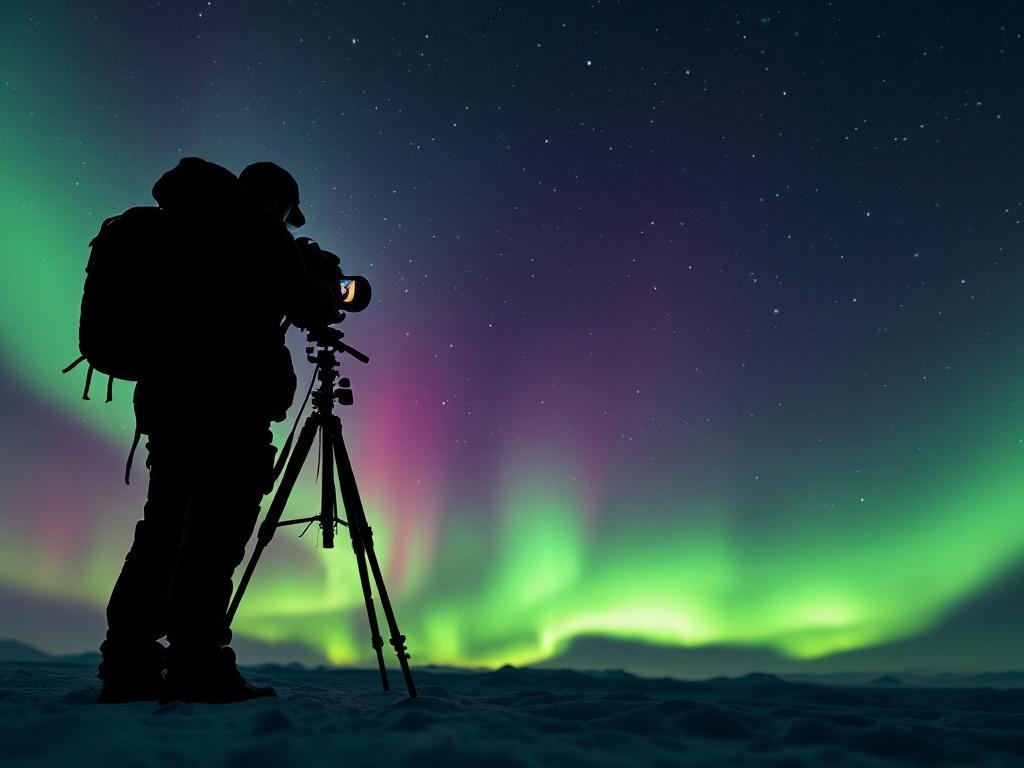
- People/silhouettes — adds scale and human element
The Rule of Thirds (Then Break It)
Place the horizon on the bottom third for big aurora displays. Move it to the middle for reflections. Place it at the top if the foreground is spectacular.Shoot Vertical Too
Tall aurora curtains and corona displays often look best in portrait orientation. Don't just shoot landscape.Leading Lines
Roads, fences, shorelines, and rivers that lead the eye from foreground to aurora create powerful compositions.Phone Photography (iPhone 15/16, Samsung Galaxy)
Modern phones can photograph the aurora — here's how:
iPhone 15/16
- Night Mode activates automatically in low light
- Prop the phone against something stable (or use a phone tripod mount)
- Tap the screen to focus, then tap the moon icon and set exposure to 10s
- Don't zoom — use the wide lens (0.5x or 1x)
- iPhone 16 Pro has a 5x zoom that works surprisingly well for aurora detail
Samsung Galaxy S24/S25
- Open camera, switch to Night Mode
- Set exposure time to maximum (10s)
- Use a tripod or prop the phone
- The AI processing does a remarkable job of colour and detail
Tips for Phone Aurora Photos
- Turn off flash (obviously)
- Reduce screen brightness to preserve your night vision
- Airplane mode to prevent vibration from notifications
- Photos will never match a dedicated camera, but they'll be impressive enough for social media
Time-Lapse Technique
Aurora time-lapses are spectacular — the dancing curtains sped up reveal movement invisible to the naked eye.
Settings
- Interval: 5–10 seconds between shots
- Exposure: 5–10 seconds each (shorter than stills to avoid blur)
- ISO: 1600–3200
- Duration: Shoot for at least 30 minutes (180–360 frames)
- Result: 6–12 seconds of video at 30fps
Equipment
- Camera with intervalometer (built into most modern cameras)
- External intervalometer if your camera lacks one (~£20)
- Extra batteries — you'll burn through them
- Large memory card (64GB+ minimum)
Post-Processing
Don't Over-Saturate
The #1 mistake. Real aurora is beautiful but subtle — neon-green nuclear explosions are not realistic. If your photo looks like a screensaver from 2004, dial it back.Basic Workflow (Lightroom/Capture One)
- White balance: Set to ~3500K for natural colour
- Exposure: Adjust to taste. Don't blow highlights.
- Noise reduction: Apply luminance NR (ISO 3200+ needs it)
- Clarity/Texture: +10-20 adds definition to aurora structure
- Vibrance: +10-15 maximum. Not saturation.
- Lens corrections: Enable to fix wide-angle distortion
Colour Reality
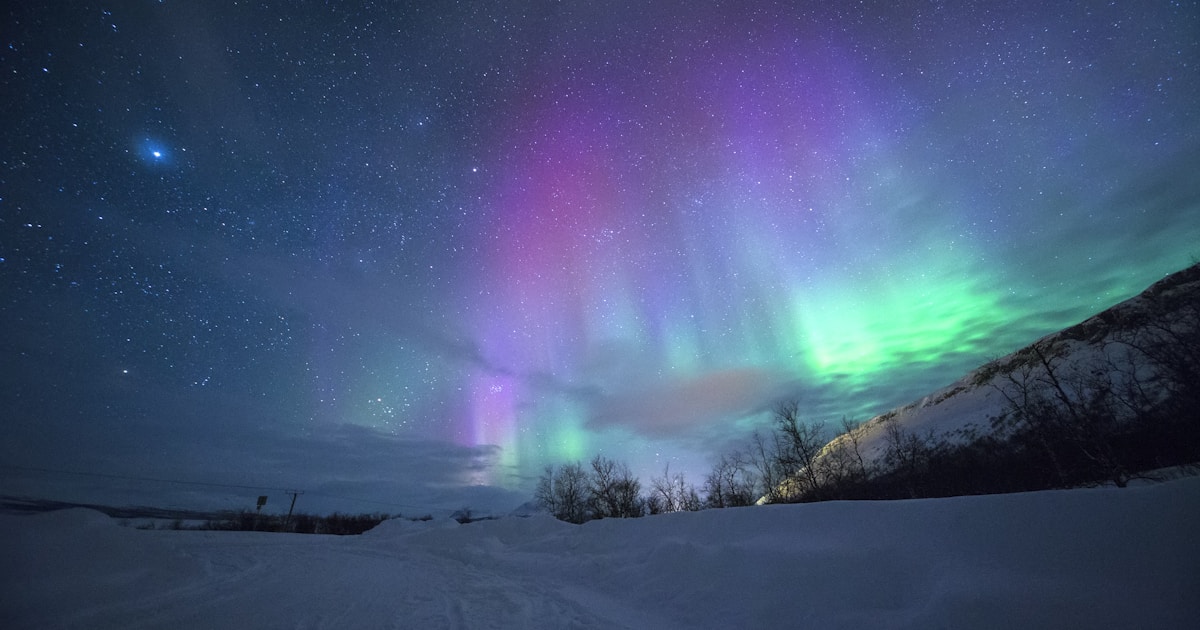
- Green is the most common aurora colour (oxygen at 100-300km)
- Purple/violet appears at higher altitudes
- Red is rare and indicates very strong activity
- Blue exists but is extremely rare
- If your photo shows colours you didn't see with your eyes, they might be real — cameras capture faint colours better than human eyes
Best Destinations for Aurora Photography
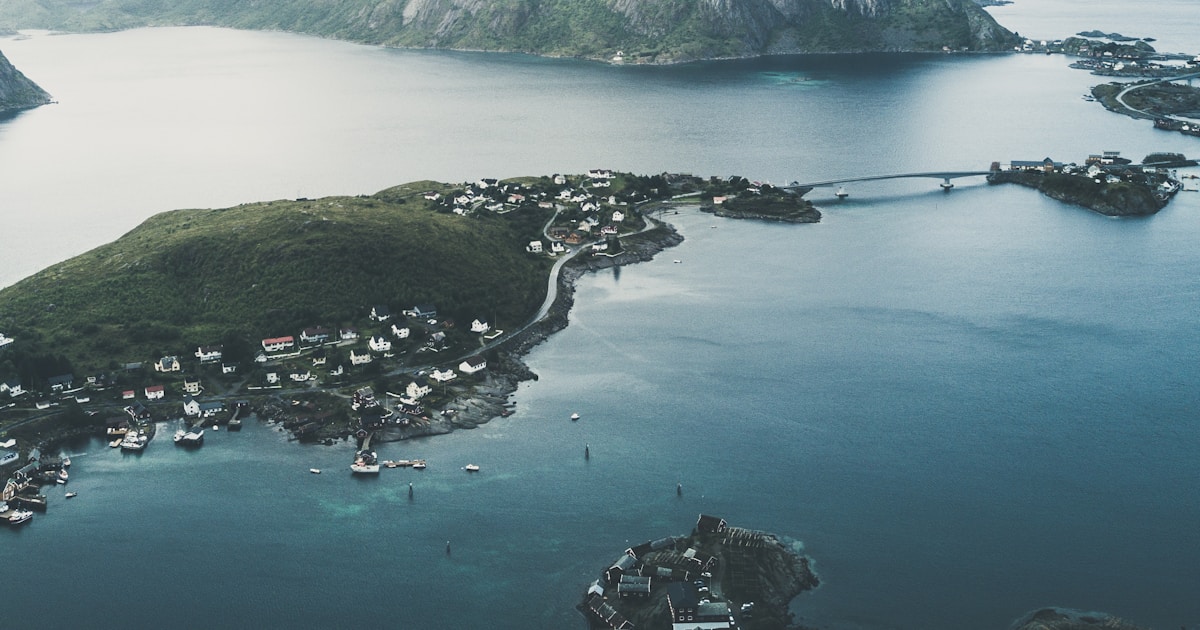
- Lofoten, Norway — Dramatic mountain/fjord foregrounds, fishing village reflections. The world's most photogenic aurora destination.
- Abisko, Sweden — Clearest skies, lake reflections, mountain backdrop. Most consistent conditions.
- Tromsø, Norway — Cathedral foreground, fjord reflections, mountains. Good workshop scene.
- Senja, Norway — Lofoten-level scenery with fewer photographers. Hidden gem.
- Saariselkä, Finland — Snow-laden forests, glass igloos, pristine wilderness.
Essential Gear Checklist
- [ ] Camera with manual mode
- [ ] Wide-angle lens (14-24mm, f/2.8 or wider)
- [ ] Sturdy tripod
- [ ] Remote shutter release or 2-second timer
- [ ] 3+ spare batteries (cold kills them in 30 min)
- [ ] Lens cloth (frost/moisture on front element)
- [ ] Headlamp with RED light mode (preserves night vision)
- [ ] Chemical hand warmers (can't operate camera with frozen fingers)
- [ ] Ziplock bags (put camera inside when going indoors to prevent condensation)
- [ ] Large memory card (64GB+)
Frequently Asked Questions
What camera do I need?
Any camera with manual mode and a wide-angle lens. Entry-level DSLRs (Nikon D3500, Canon EOS Rebel) work fine. Full-frame cameras (Sony A7 series, Nikon Z6/Z8) excel in low light.Can I photograph aurora with a kit lens?
Yes. 18mm at f/3.5, ISO 3200, 20 seconds. It works. Results improve dramatically with a faster lens (f/2.8 or wider).Do I need a guided photography tour?
Helpful for first-timers — guides find dark spots and can assist with settings. But you can self-teach with this guide and YouTube. Tours: £200–400/night.Why are my aurora photos green when it looked white to my eyes?
Your eyes use rod cells in darkness which don't detect colour well. The camera sensor captures the true colour. Faint aurora really is green — your eyes just can't perceive it at low brightness.How do I focus in the dark?
Manual focus to infinity. Use Live View zoomed in on a bright star or distant light. Autofocus won't work in aurora conditions.See our gear review posts for specific camera, tripod, and accessory recommendations.